• myFAV.ES
  • Help Center
  • Tutorials
  • Extensions
  • Blogs


  • Logos
  • Logo Requests
  • Themes
  • Backgrounds
  • Forums
  • Contact

Error message

  • Warning: count(): Parameter must be an array or an object that implements Countable in antispam_user_load() (line 1555 of /home/ul/public_html/userlogos/sites/all/modules/antispam/antispam.module).

  • Warning: count(): Parameter must be an array or an object that implements Countable in antispam_user_load() (line 1555 of /home/ul/public_html/userlogos/sites/all/modules/antispam/antispam.module).
  • Warning: count(): Parameter must be an array or an object that implements Countable in antispam_user_load() (line 1555 of /home/ul/public_html/userlogos/sites/all/modules/antispam/antispam.module).
Home » Forums » 06212008 » My Transparent Fast Dial !

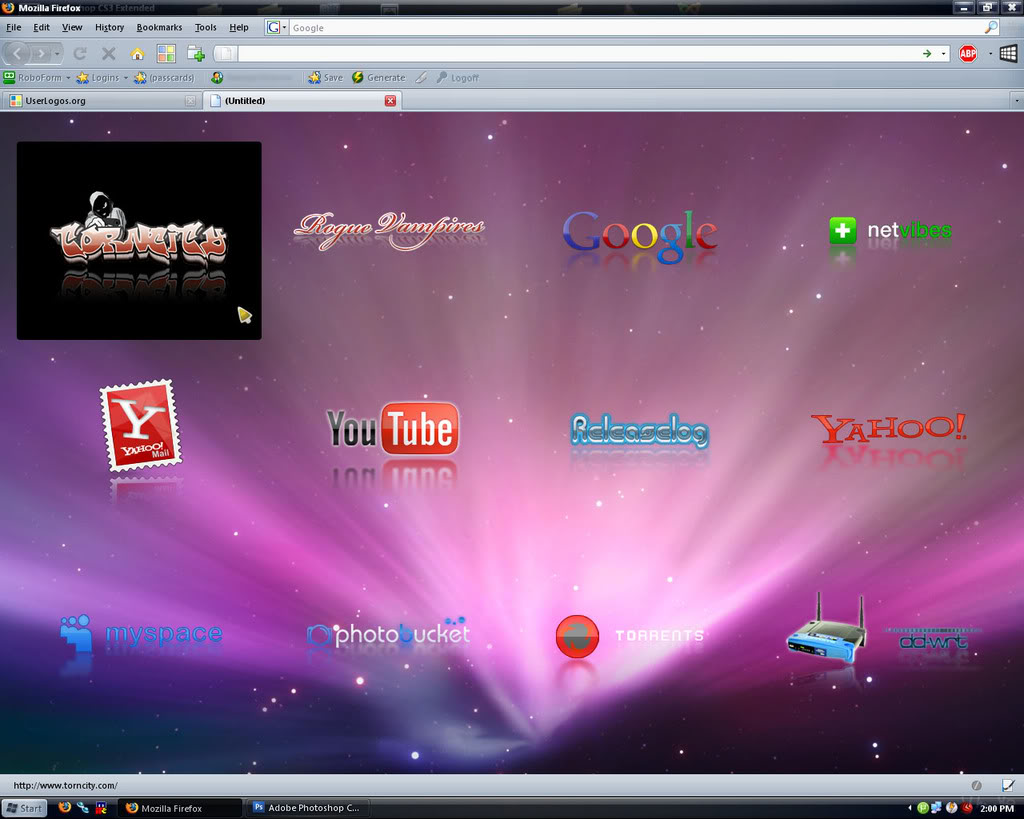
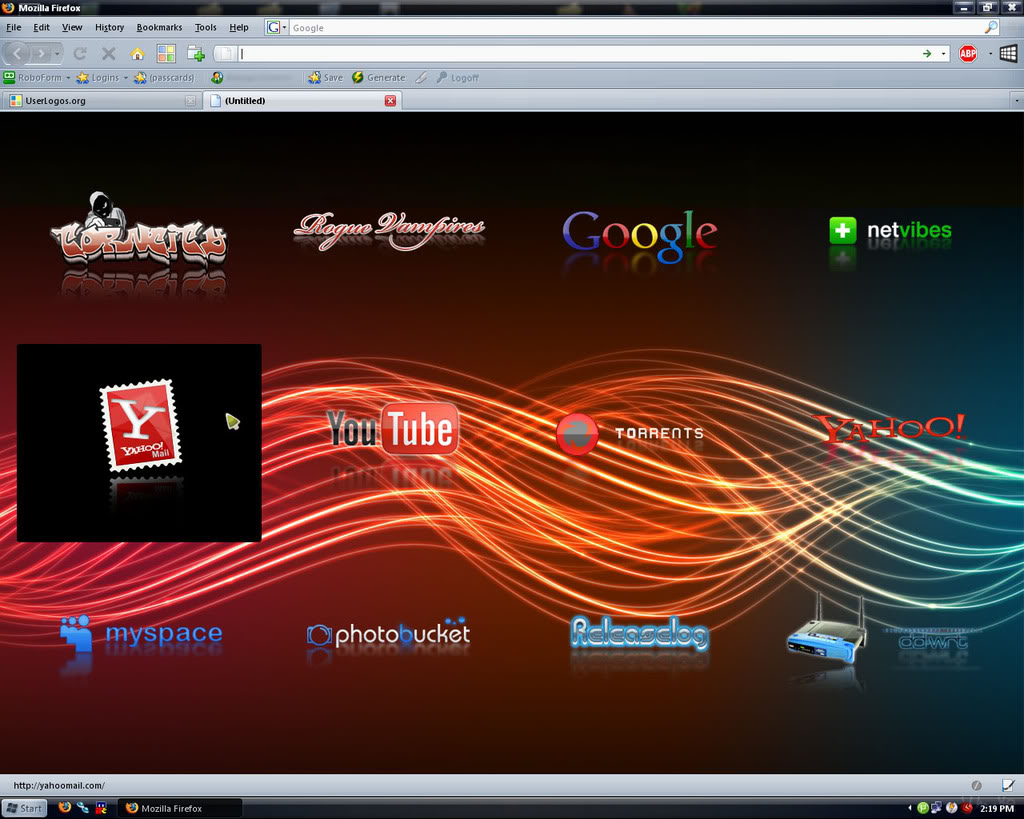
My Transparent Fast Dial !

gumanov —Sat, 06/21/2008 - 10:18

I think this looks awesome!!

Click to enlarge:


To get fast dial transperent you must use the word "transparent" and all color settings except "selected cell".
Then u must use transparent PNG logos...

  • Showcase
  • Log in or register to post comments or vote.
  • +1
  • 1 vote
Anonymous's picture

Re: My Transparent Fast Dial !

Submitted by Anonymous (not verified) on Mon, 07/07/2008 - 16:07

-Nothing changed in default theme.

  • log in or register to post comments
ogzblgnr's picture

Re: My Transparent Fast Dial !

Submitted by ogzblgnr on Mon, 07/07/2008 - 16:09

Sorry these Anonoymous are me.

  • log in or register to post comments
gumanov's picture

Re: My Transparent Fast Dial !

Submitted by gumanov on Mon, 07/07/2008 - 17:26

did u try what chiaroscuro suggested?

make sure nothing of the previous color is left in the field..spaces would mess it up as well..

try using for example red, then erase all the hex (color code), and put in "transparent"

  • log in or register to post comments
chiaroscuro's picture

Re: My Transparent Fast Dial !

Submitted by chiaroscuro on Mon, 07/07/2008 - 23:38

Yes follow Mafi0z's suggestion carefully.
If it resolves everything then fine.

If it does not, it might be worth trying the following.

Go to your at present working/transparent cell "Yahoo" in cell Two

Click Properties.
Be careful ____NOT_____ to un-click the small box next to the words "custom image" otherwise your background colour settings will be reset.

Without un-clicking the box, load into that Yahoo cell (which we now know works) the iGoogle logo that you have at present in Cell One.
Click OK.

Then repeat the exercise in Cell One.
Load the Yahoo Logo (which we now know is transparent) into the present iGoogle Number One cell.
Be careful again NOT to un-click the small box in custom image settings while you are doing this.
Click OK

The result of this exercise should hopefully begin to clarify which of your settings (or logos) are at at fault.

  • log in or register to post comments
ogzblgnr's picture

Re: My Transparent Fast Dial !

Submitted by ogzblgnr on Tue, 07/08/2008 - 02:16

Nothing different in cell-1 and cell-2's properties:

  • log in or register to post comments
ogzblgnr's picture

Re: My Transparent Fast Dial !

Submitted by ogzblgnr on Tue, 07/08/2008 - 02:19

I made it! Thanks. Now iGoogle is transparent.
I'm doing this to other cells.

Thank you.

  • log in or register to post comments
gumanov's picture

Re: My Transparent Fast Dial !

Submitted by gumanov on Tue, 07/08/2008 - 10:38

what was the solution? would be helpful for others

  • log in or register to post comments
ogzblgnr's picture

Re: My Transparent Fast Dial !

Submitted by ogzblgnr on Tue, 07/08/2008 - 16:10

First I unchecked the Custom Image box.
I used small view of page.
Then I used a custom image again.
And it worked :D

  • log in or register to post comments
L0mass's picture

Re: My Transparent Fast Dial !

Submitted by L0mass on Fri, 07/11/2008 - 15:42

Thanks a lot Guys, i had the same issue and reading this thread also solved my "problem".

Here is the method that worked for me:

1 From "Preferences" of Fast dial >> "Appearance" Tab
2 Check all boxes (10) with the same color (for instance Red [#FF0000]) then close the "Preferences" window
3 Reopen "Preferences" >> "Appearance" then reset all boxes but "Selected Cell"(in this box i set #000000) with "transparent".

Thanks a Zillion :))

L0mass&Loma$$

  • log in or register to post comments
gumanov's picture

Re: My Transparent Fast Dial !

Submitted by gumanov on Fri, 07/11/2008 - 15:46

nice to hear it worked =]

  • log in or register to post comments

Pages

  • « first
  • ‹ previous
  • 1
  • 2
  • 3
  • 4
  • next ›
  • last »

Search logos

Search site

Navigation

  • Blogs
  • Forums
  • Online users
  • Recent content

User login

  • Create new account
  • Request new password
 
  • Changelog
  • Latest releases
  • Important links
 
 
  • Changelog
  • Latest releases
  • Important links
  • Support Forum
 

Top Rated

  • google.com
  • youtube.com
  • fast dial folder
  • wikipedia.org
  • Firefox Black
  • fd folders, folders, folder
  • generic gaming logos
  • mail.google.com, gmail.com, googlemail.com
  • Carbon Fiber
  • iphone app style icon template
more

Recent Polls

  • What are you resolution of screen use
  • Which version of Fast Dial do you run?
  • How often do you visit Userlogos?
  • Which FD iPhone logo format do you find preferable
  • How many themes do you run in Fast Dial ?
more

Online users

There are currently 0 users online.
Active - 15 mins:
No registered users :(
  • Last 24 hours

Recent comments

  • Mental Health Support That Encourages Positive Growth
    by: DakotaHanton
    3 days 31 min ago
  • 소액결제현금화 관련 정보를 간편하게 확인하세요.
    by: hammadamir90
    5 days 7 hours ago
  • 소액결제현금화 이용 전 필요한 정보를 한곳에서
    by: hammadamir90
    6 days 2 hours ago
  • Togel sering menjadi topik
    by: hammadamir90
    1 week 4 hours ago
  • Pembahasan togel semakin
    by: hammadamir90
    1 week 7 hours ago
  • 광주호빠를 알아볼 때 위치와 예약 가능 시간뿐 아니라
    by: hammadamir90
    1 week 6 days ago
  • 광주 지역에서 모임 장소를 알아보는 분들에게 참고할
    by: hammadamir90
    1 week 6 days ago
  • 처음 방문하는 곳이라면 예약 전에 관리 프로그램과
    by: hammadamir90
    2 weeks 1 day ago
more

Recent topics

  • The Art of Creating Unique Sounds in Modern Music Production
  • The Art of Creating Unique Sounds in Modern Music Production
  • The Art of Living Together: Creating Stronger Bonds Through Love and Understanding
  • The Art of Living Together: Creating Stronger Bonds Through Love and Understanding
  • Tired of CEX KYC hurdles? Here is a smooth, user-vetted swapping alternative
  • My Recommendation for Sending a Parcel from the UK to Poland
  • Kérdés a rutinosabbakhoz: ti szoktátok vadászni az ilyen kis pluszokat?
  • Planning a Memorable Albany Getaway Through Every Season
more

Top contributors

User Total user points
Mafia_Penguin 912
jimmy1024 888
Deva 552
gumanov 490
jumpordie 471
Karmody 457
macleod.mac 402
ingalls 354
spaljeni 310
zigzag 290
Rog 265
Sastre 256
famecky 160
x-b 152
danger83 147
more

2008-2017 userlogos.org. All logos/images belong to their respective owners. Contact administrator.

  • Logos
  • Logo Requests
  • Themes
  • Backgrounds
  • Forums
  • Contact